All effects
Portal
A hand-tracking camera filter
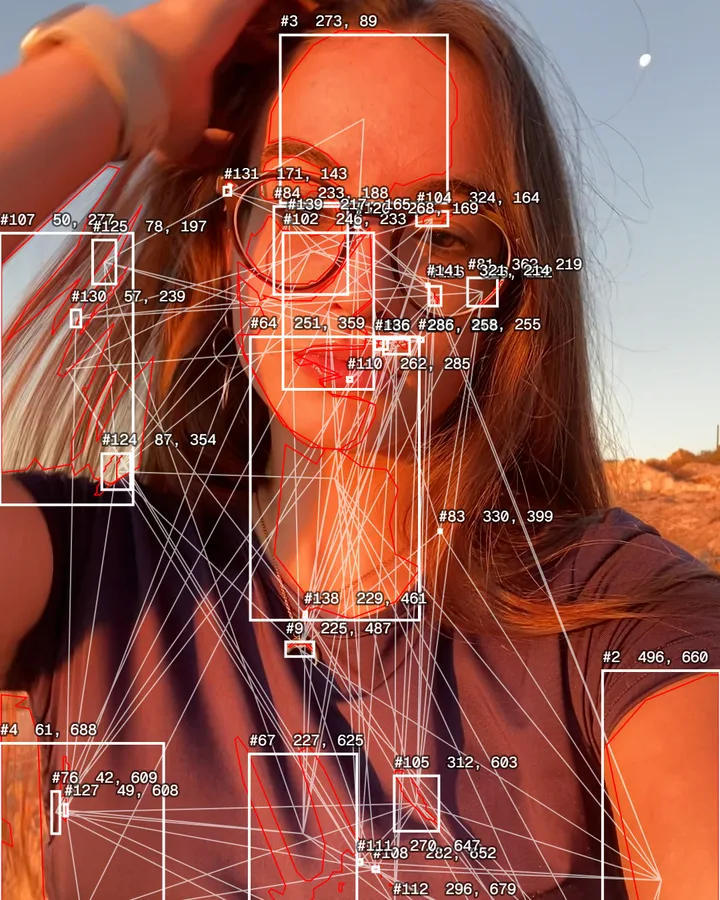
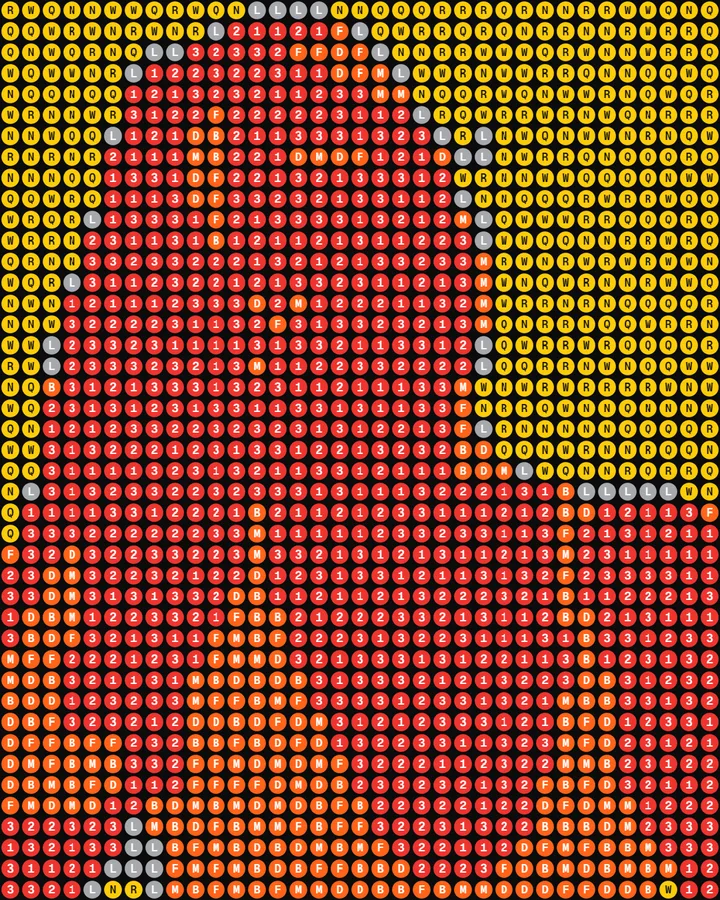
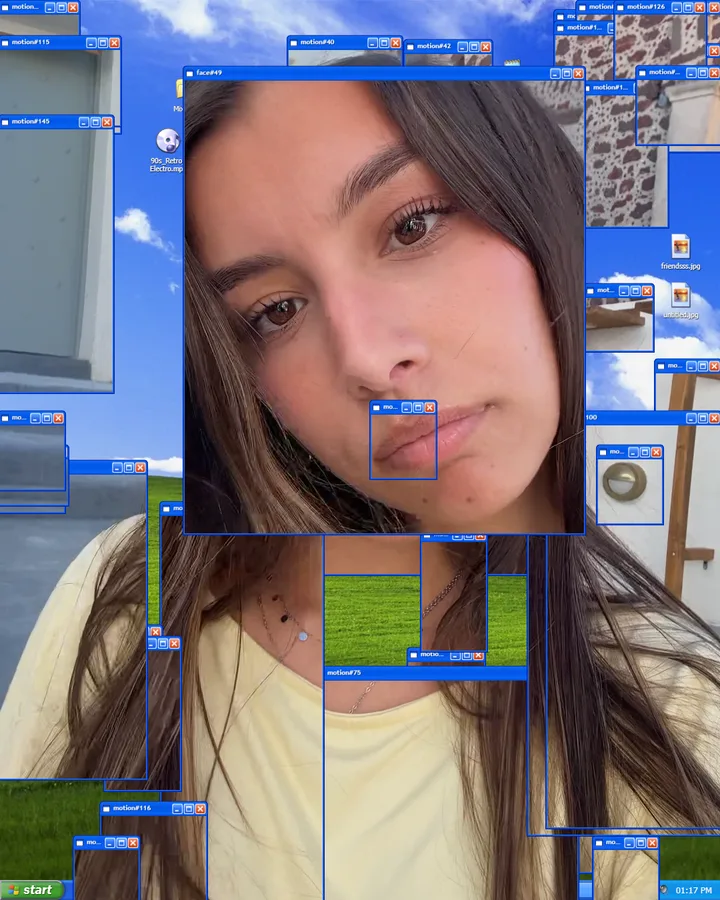
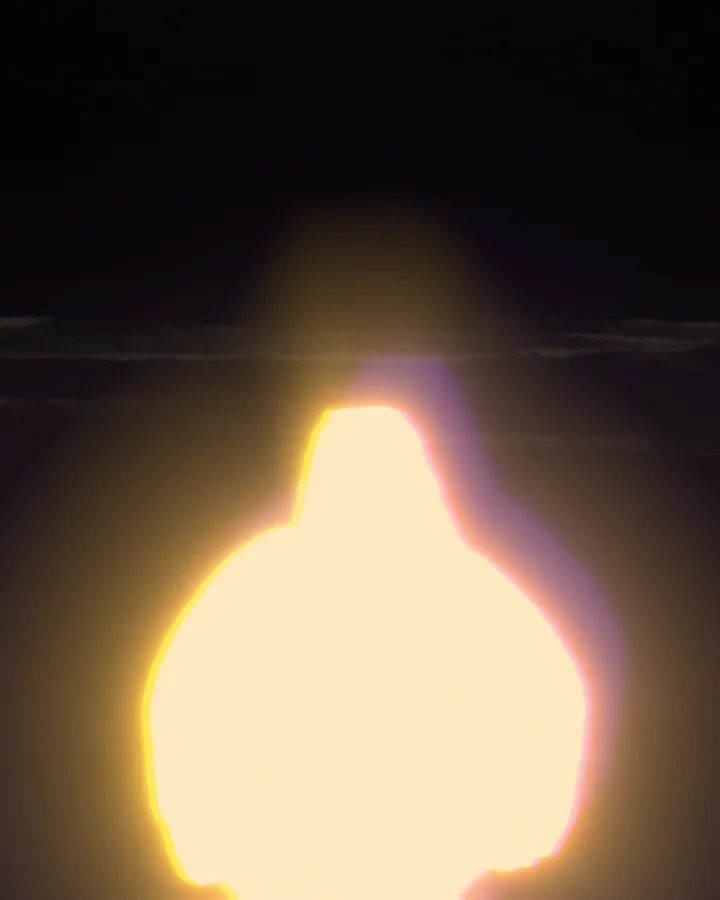
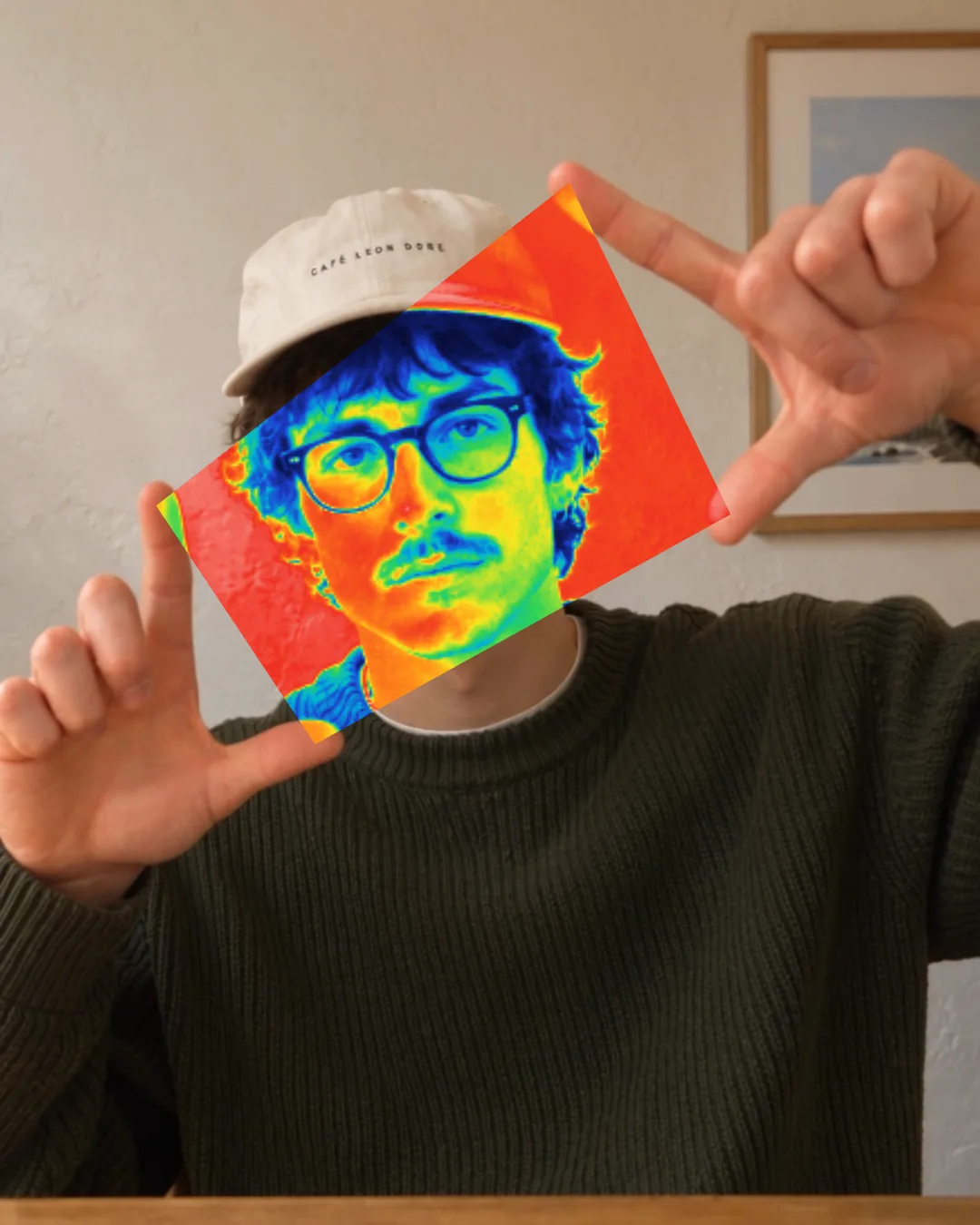
Hold up two fingers on each hand and a window opens between your fingertips. Inside it the camera turns thermal, halftone, X-ray or one of three other looks, and it follows your hands wherever they go.
- What it follows
- Your hands
- Each with its own settings
- 6 filters
- To download or share
- Photo or 30 s video
- No download or account
- Free
How it works
Open it with your hands
Your four fingertips are its corners. Spread them and it grows; tilt your hands and it turns with them.
Freeze it in place
Turn on Freeze frame and hold still to leave the portal on screen. Pinch near one of its corners to drag it somewhere new.
Close it
Bring your hands together, or pinch each hand’s fingertips shut, and it folds away.
Six filters
Thermal has its palettes, Halftone its CMYK screens, Pixelate its glass. With Auto-cycle on, each new portal opens in a different one.
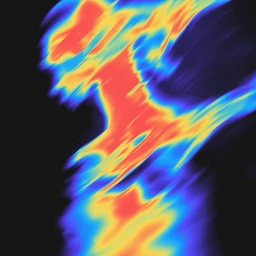 Thermal
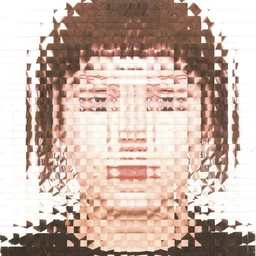 Pixelate
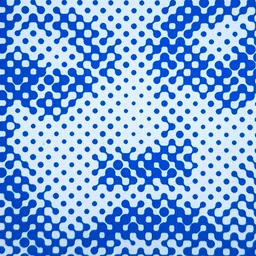 Halftone
 X-ray
X-ray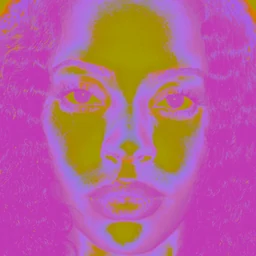 Duotone
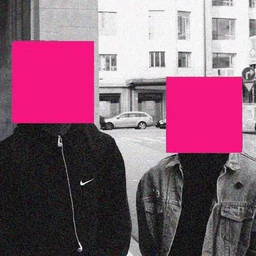 Color
Color